A stack a week
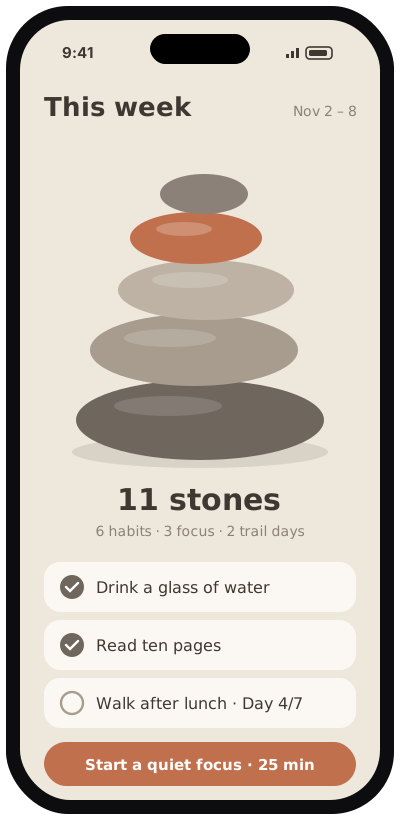
Habits and focus sessions build this week’s stack; each finished week joins your shelf.
Habits, seven-day trails & focus timer

Every check-in adds a stone.
Stonestack makes progress visible. Each habit you keep adds a stone to this week’s stack, each focus session adds another, and a seven-day trail builds a stack of its own. Miss a day and the stack simply waits for the next stone.
In development · coming to iPhone and Android in the United States
Or pick a seven-day trail: sleep earlier, walk after lunch, read ten pages.
Tap a habit when it’s done, or start a quiet focus session.
Every check-in and finished session places a stone; past weeks line up on your shelf.
Habits and focus sessions build this week’s stack; each finished week joins your shelf.
Short challenges you follow one day at a time, with a stack of their own.
Focus, then take a break when the session ends. Finished sessions add a stone.
Tap to keep a habit, press and hold to add a note.
Optional local reminders at the times you choose.
No account. Your habits and notes stay on your phone.