A calendar of photos
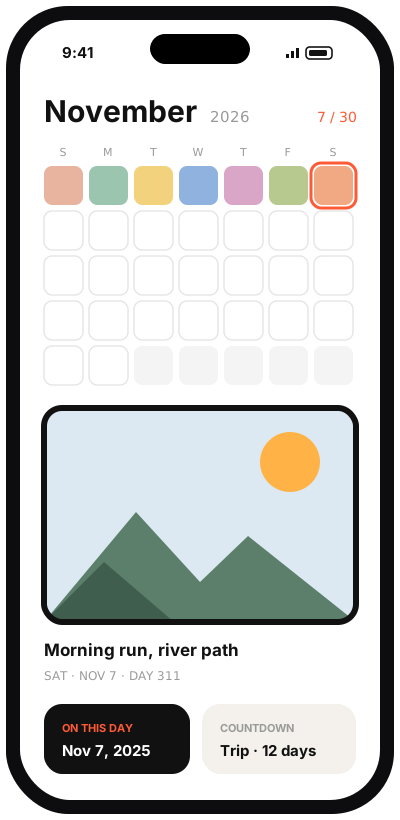
One picture per day; tap any date to see it again.
Photo-a-day journal & photo widgets

One photo a day. A year you can see.
Pixday keeps one photo for each day in a calendar that fills up as you go. Frame the day’s picture, add a few words and watch the month turn into a mosaic you can export. Then bring your favorite days to the Home Screen with photo, countdown and on-this-day widgets.
In development · coming to iPhone and Android in the United States
Choose one from your library or take it now.
Choose a frame and add a short caption.
The calendar becomes a mosaic, ready to export or to show on a widget.
One picture per day; tap any date to see it again.
Clean frames and a few words to remember the day.
Export the month as a single image to keep or share.
Photo, countdown and on-this-day widgets made from your pictures (iPhone).
You choose photos one at a time; Pixday never scans your library.
An optional reminder to take today’s photo.